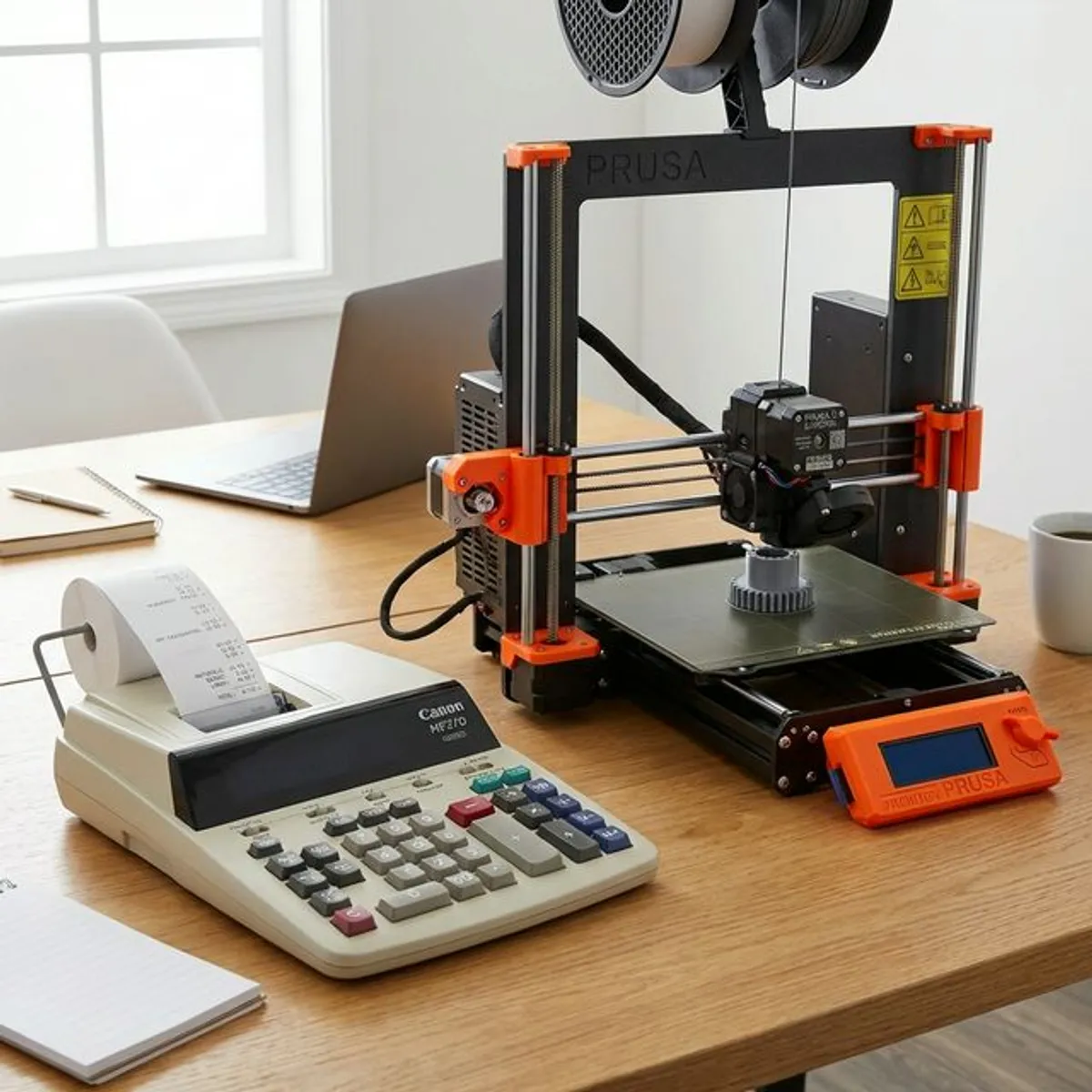
Two very different tools share the name. A 3D printing calculator estimates what a printed part costs in filament, electricity and machine time. An office printing calculator is a desk adding machine with a paper tape. This guide covers both, and how to work out cost per page.
Understanding the 3D Printing Cost Calculator
As additive manufacturing and rapid prototyping explode in popularity, makers continually ask how to calculate cost of 3d printing accurately. Whether you are running a basement hobby farm of Ender 3s or operating a small Etsy business selling custom miniatures, you absolutely need a reliable 3d printing cost calculator to ensure your pricing margins remain highly profitable.
Many beginners severely underprice their printed objects because they only consider the immediate cost of the filament spool. However, true manufacturing costs involve electricity, machine depreciation, failure rates, and most importantly, your manual labor time. A comprehensive 3d print cost calculator automates the financial logistics, taking a raw STL file's estimated slicing data and converting it into a strictly calculated retail price.
Critical Variables in a 3D Print Calculator
When you use a professional software specifically designed to calculate cost of 3d printing, it factors in hidden expenses that are routinely neglected:
- Raw Material Cost: The sheer weight in grams or volume in cm³ of PLA, PETG, ABS, Nylon, or Resin used per slice.
- Electricity Consumption: A heavily heated printer (bed at 60°C, nozzle at 210°C) running for a 24-hour print consumes notable grid power. Your calculator will multiply the printer's wattage by your local killowatt-hour rate.
- Machine Wear & Tear: Amortizing the base cost of your printer over its estimated lifespan of moving parts (belts, POM wheels, brass nozzles, FEP films).
- Human Labor: Your manual post-processing time. This includes removing dense supports, IPA washing, UV curing, sanding, and painting.
- Failure Buffer: Adding a 10% to 15% margin to account for prints that inexplicably warp, fail to adhere, or suffer from layer shifts.
The Financial Office Printing Calculator
On the traditional side of commerce, the physical accounting printing calculator remains a massive staple for certified CPAs, retail storefront managers, and corporate tax professionals. The ability to physically track a long paper trail (often referred to as the "adding tape") minimizes catastrophic digital data entry errors when balancing huge ledgers.
Unlike standard desktop models, a heavy-duty printing calculator utilizes a 2-color ink ribbon (generally printing positive numbers in black, and negative/subtracted numbers in striking red). They print at breakneck speeds, often reaching 4.5 lines per second. For auditors and tax professionals, pinning the physical receipt tape to a client's paper invoice provides unparalleled, indisputable proof of calculation that a digital spreadsheet simply cannot emulate on a physical desk.
How to calculate your cost per page
- Find the cartridge price. Take the price you actually pay for the ink or toner cartridge, not the list price.
- Find the rated page yield. The manufacturer prints an estimated page yield on the packaging or the product page.
- Divide price by yield. A $70 toner cartridge rated for 1,600 pages gives about 4.4 cents of toner per page.
- Add the paper. A sheet of standard office paper costs roughly one cent. Add it to the toner figure.
- Adjust for your real coverage. Rated yields assume about 5% coverage. If your pages carry charts or images, expect a higher real cost than the rated figure suggests.
Cost per page: a worked example
The arithmetic behind every office printing decision is small enough to do by hand, and doing it once usually settles the inkjet-versus-laser argument for good.
| Step | Inkjet example | Laser example |
|---|---|---|
| Cartridge price | $25 | $70 |
| Rated page yield | 200 pages | 1,600 pages |
| Ink or toner per page | $0.125 | $0.044 |
| Paper per sheet | $0.01 | $0.01 |
| Cost per page | $0.135 | $0.054 |
The figures above are illustrative, but the shape of the result is not: divide the cartridge price by the rated yield, add the paper, and the laser machine costs roughly a third as much per page despite the higher cartridge price. Over 5,000 pages that is about $400 of difference, which is usually more than the price gap between the two printers. Substitute your own cartridge price and yield — both are printed on the packaging — and the answer follows in one division. The percentage calculator is useful for comparing the saving as a proportion, and the loan calculator if you are financing equipment.
Where rated yields mislead
Manufacturer page yields are measured against a standard test page with roughly 5% coverage — about what a plain business letter uses. Three things push your real cost above the rated figure:
- Coverage. Pages with charts, photographs or block colour consume far more than the test page, so a report-heavy office will never reach the rated yield.
- Maintenance cycles. Inkjets clean their heads automatically, and that ink is consumed without printing anything. Machines used intermittently lose proportionally more.
- Drum and fuser wear. Laser printers have consumables beyond toner that are easy to forget when comparing sticker prices.
For 3D printing the equivalent trap is ignoring failed prints. A 12-hour part that fails at hour 10 still consumed 10 hours of filament and electricity, so a realistic estimate applies a failure allowance rather than assuming every print succeeds.
Which calculator does your business actually need?
The two machines answer different questions, and buying the wrong one is common because the search term is the same. A quick way to decide: if the number you need is what did this cost me, you want a 3D print cost calculator. If the number you need is do these figures add up, you want a printing calculator with a tape.
| Question you are asking | Tool | Inputs it needs |
|---|---|---|
| What did this printed part cost me? | 3D print cost calculator | Filament price per kg, grams used, print hours, printer wattage, electricity rate |
| What should I charge for it? | 3D print cost calculator plus a margin | All of the above, plus failure allowance and labour |
| Do these receipts add up? | Printing calculator with tape | The figures themselves — the tape is the audit trail |
| What does a page cost to print? | Any calculator, one division | Cartridge price, rated page yield, paper cost |
How much does electricity really add to a 3D print?
Less than most people assume, and far less than the filament. The arithmetic is short: multiply the printer’s power draw in kilowatts by the print time in hours, then by your electricity rate.
A desktop FDM printer drawing roughly 0.15 kW over a 10-hour print uses about 1.5 kWh. At 20 cents per kWh that is 30 cents of electricity. The same job might consume 120 g of filament, which at 5 per kilogram is .00 — ten times the energy cost. This is why a cost model that ignores electricity is usually close enough, while one that ignores failed prints is not.
Where energy does matter is a heated chamber or a resin printer with a long cure cycle, and for anyone running a print farm where the machines never stop. Our percentage calculator helps you express the difference as a margin, and the unit converter handles grams-to-ounces if your filament is sold in imperial units.
Choosing the Right Printing Tool for the Job
From determining how to accurately calculate cost of 3d printing for your resin miniatures, to utilizing a heavy-duty physical printing calculator during Q4 tax audits, ensuring your mathematical foundations are rock-solid is the key to business longevity.
If you are operating an additive manufacturing business, bookmark a robust digital 3d printing cost calculator and run every single slice through it before quoting a client. If you are running physical retail or deep accounting, invest in a reliable Sharp or Casio device to maintain your physical paper trails.
FAQ
How do you calculate cost per page to print?
For standard 2D office paper printing, you calculate the cost per page by taking the total price of your ink/toner cartridge and dividing it by the manufacturer's "estimated page yield". Then, add the cost of a single sheet of blank paper. Usually, laser toner yields a drastically lower cost per page than standard liquid inkjet models.
Do I need a printing calculator for my small business?
If you process massive stacks of physical receipts, checks, or ledger entries manually at the end of the day, a printing calculator is highly recommended. The paper tape allows you to quickly visually scan for an entry error if your final bank deposit does not match the till, saving you hours of recalculating.
Why is my real cost per page higher than the rated yield suggests?
Rated yields assume a standard test page with about 5% coverage. Pages with charts, photographs or block colour use considerably more, inkjets consume ink on automatic head cleaning whether or not you print, and laser printers have drum and fuser costs beyond the toner itself.
Should I include failed prints in a 3D printing cost estimate?
Yes, and leaving them out is the most common reason a 3D print quote comes in low. A part that fails at hour ten of a twelve-hour job has still consumed ten hours of filament, electricity and machine time. Apply a failure allowance based on your own success rate rather than assuming every print completes.
What does a paper tape actually give you that a screen does not?
An audit trail. When a total does not match, the tape lets you read back through every entry to find the single mis-keyed figure, instead of re-entering the whole stack. That is the entire reason printing calculators survive in bookkeeping when phones are in every pocket.
Sources and further reading
- US Department of Energy — estimating appliance energy use — the method behind the electricity share of a 3D print.
- Percentage calculator — for comparing running costs as a proportion.